UX process
Understand how design decisions follow user needs.
Turn user needs into thoughtful digital experiences, from UX research and wireframes to interactive Figma prototypes and complete case studies.
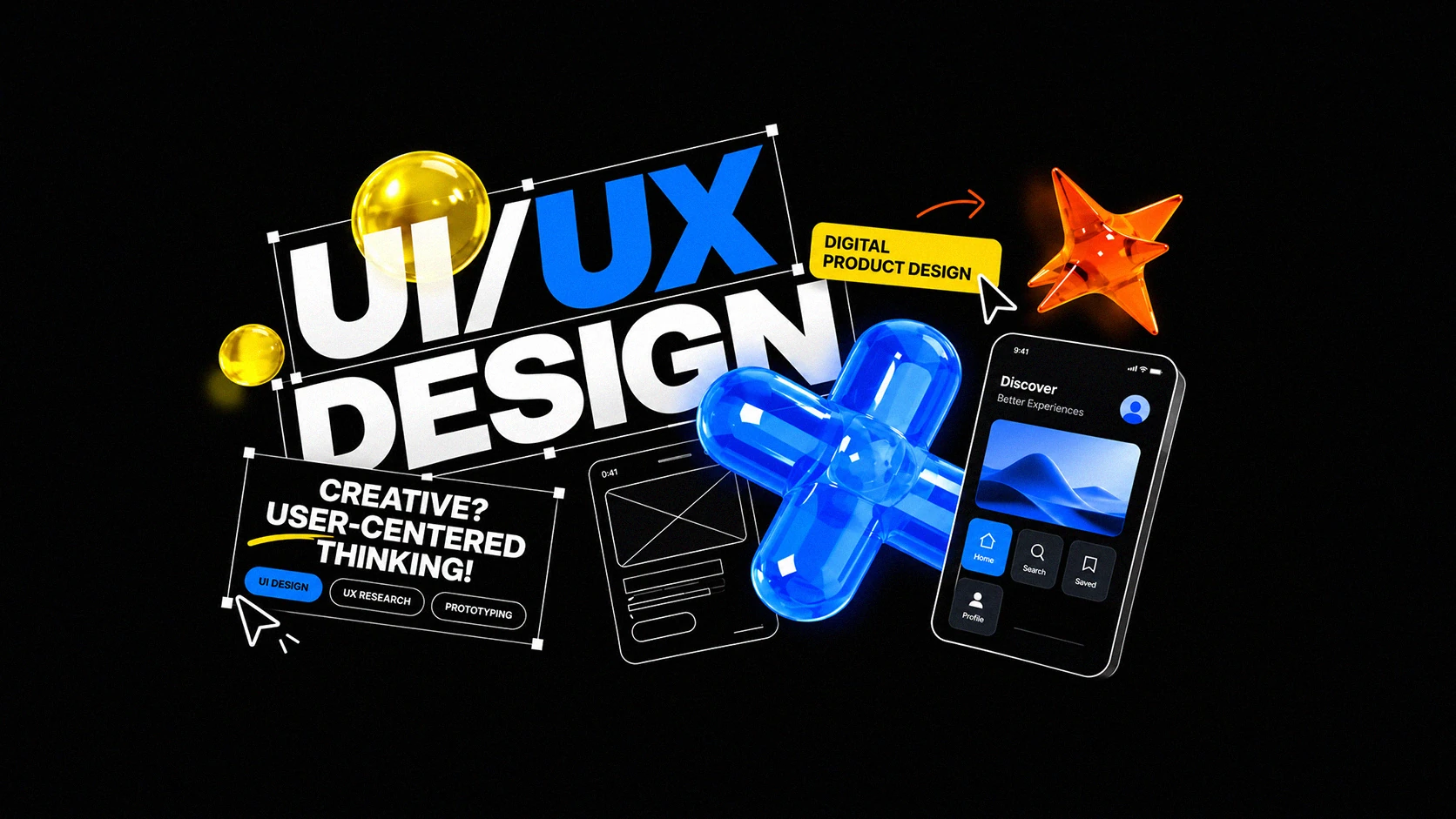
A project-first learning experience with direct guidance, structured practice and outcomes you can actually show.
Understand how design decisions follow user needs.
Create interfaces, components and interactive prototypes.
Present a complete project with a clear design rationale.
The UI/UX course follows four connected areas: UX foundations, wireframes and interface design, prototyping and testing, and case-study presentation. Begin by describing the problem and organising information before choosing visual details.
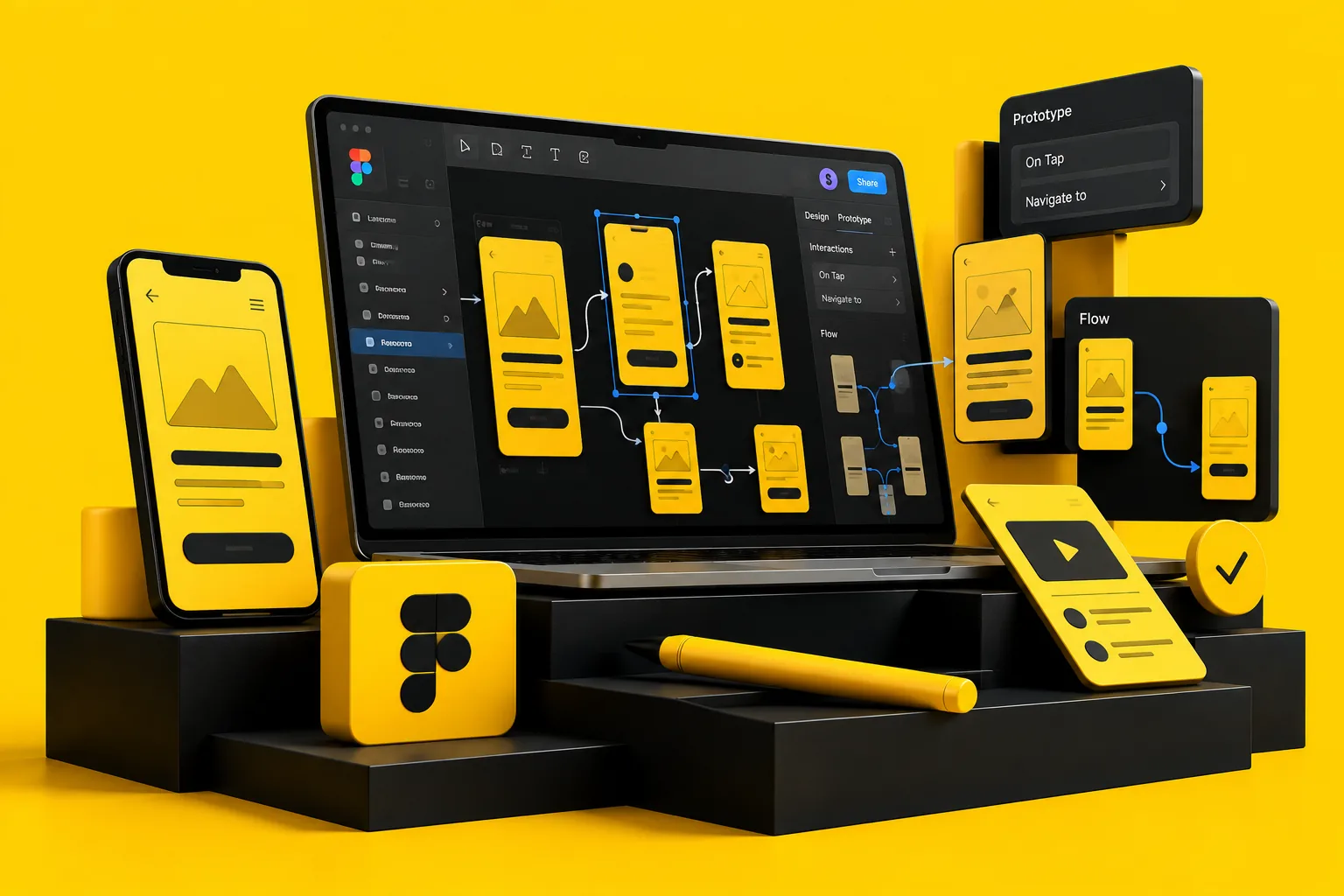
Use Figma and FigJam to develop a flow, explore screens, create components and connect a prototype. Personal feedback helps you explain why a layout or interaction supports the task. The final case study presents your process and decisions; it is a learning project rather than a guarantee of employment.
A clear roadmap from basics to finished work. Explore each module to see what the course covers.
↓ Download Full PDF OutlineA structured UI/UX course focused on modern interface design, user experience, Figma workflow and real-world web and mobile projects.
The course combines interface design and user-experience thinking with hands-on Figma practice. Students move from concepts and wireframes to polished, portfolio-ready screens.
The goal isn't just software familiarity. You'll apply what you learn to projects and portfolio work.
Map a user problem and define a thoughtful product experience.
Build high-fidelity screens and a realistic interactive Figma flow.
Explain research, decisions and the evolution of your final design.
Existing UI/UX student-work videos shared by Creative Fox Studio, including work by Rabia and Ukasha.
Organise screens, name frames clearly and connect the relevant prototype steps. Bring a specific question about a user flow, wireframe or interface decision. Describe feedback you actually collected and label assumptions in your case study.
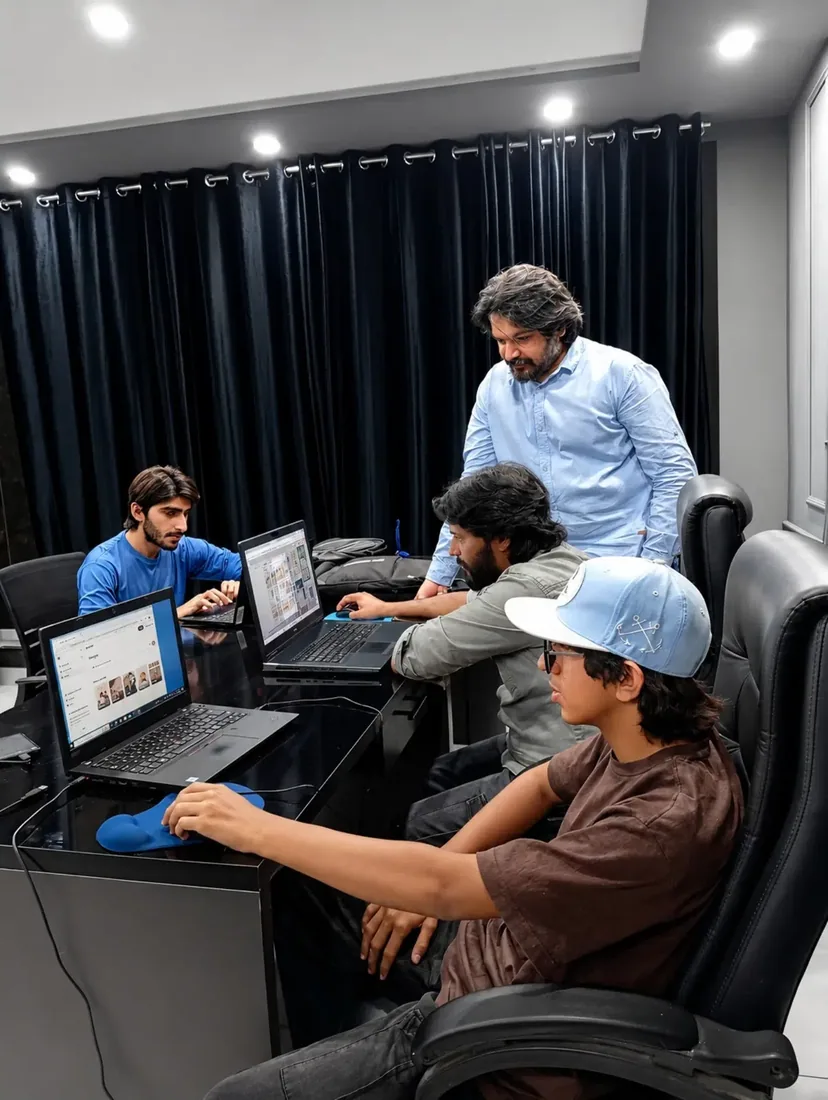
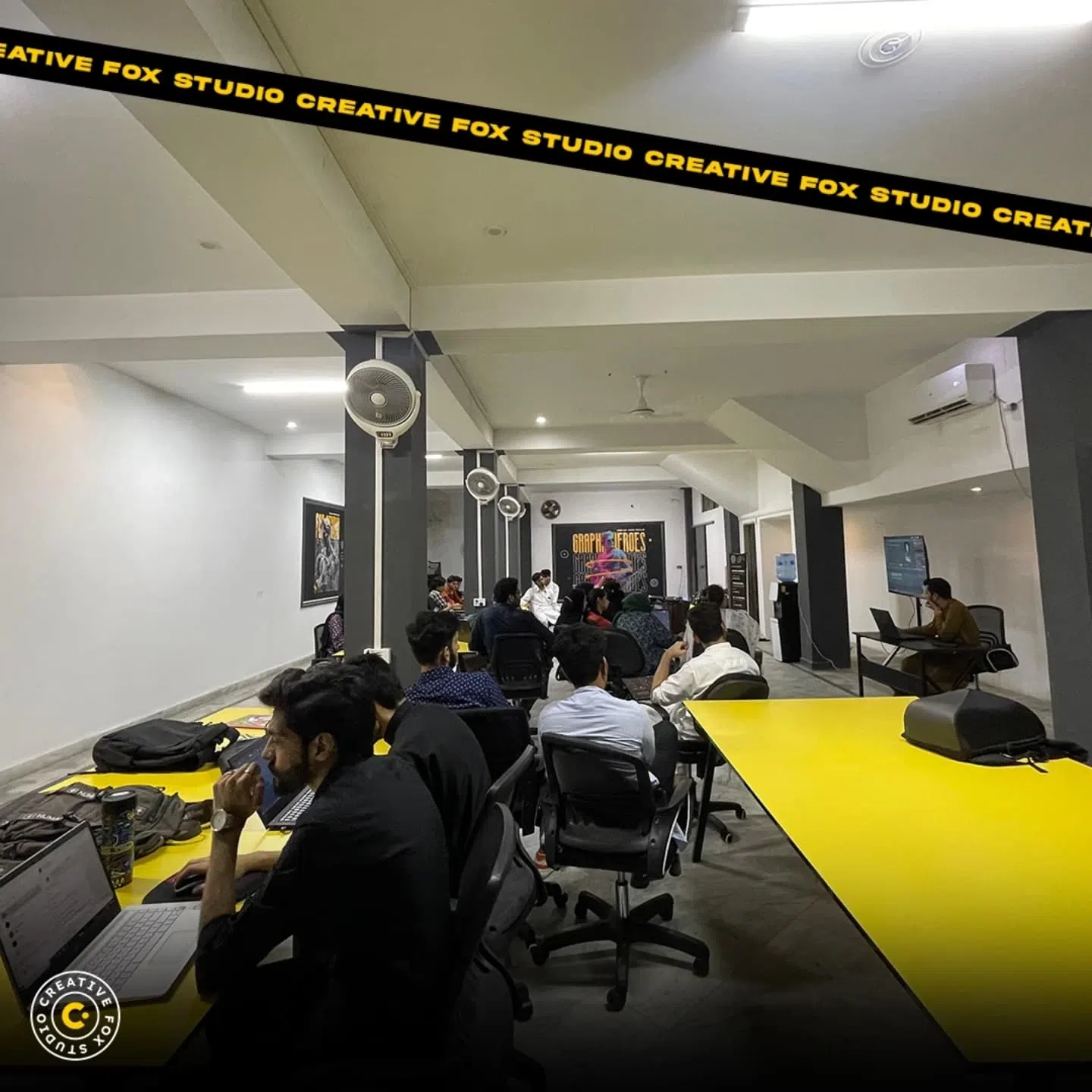
Live online sessions combine guided practice, questions and project review. Have your laptop, required software, a reliable connection and a quiet workspace ready. The team will confirm joining instructions and how to share working files before your batch starts.
Timing: Ask the admissions team to confirm the current class days, Pakistan Standard Time slot and start date before payment. Ask about recording availability if that is important to your study plan.
Online admission only. Current published fee: PKR 16,000 for the two-month course. Confirm your batch and delivery arrangements before booking.
Two months of personal, practical guidance
Fees & admission: compare tuition and setup costs. LIMITED-TIME OFFER. Confirm joining instructions, payment arrangements and slot availability with the studio before booking.
Yes. Online UI/UX Design training is available across Pakistan, with live one-on-one guidance and project feedback. Tell the team whether you want to build a mobile-app or website case study and whether you have used Figma before. Review the PDF outline, then confirm timing, access to Figma and how you will share your screens, user flows and prototype for review.
Each course runs for approximately two months. Your instructor will share the session plan and learning roadmap.
Yes. Use the PDF Outline link above to see the detailed syllabus for the selected course.
Figma is part of the workflow. The published course also covers user needs, flows, wireframes, prototypes and case-study presentation.
Explain the problem, your role, design decisions and any feedback you actually collected. Label untested assumptions rather than presenting them as research findings.
Tell our team which course you want and your online learning goals. We'll help you with the next step.
Discuss Admission on WhatsApp ↗